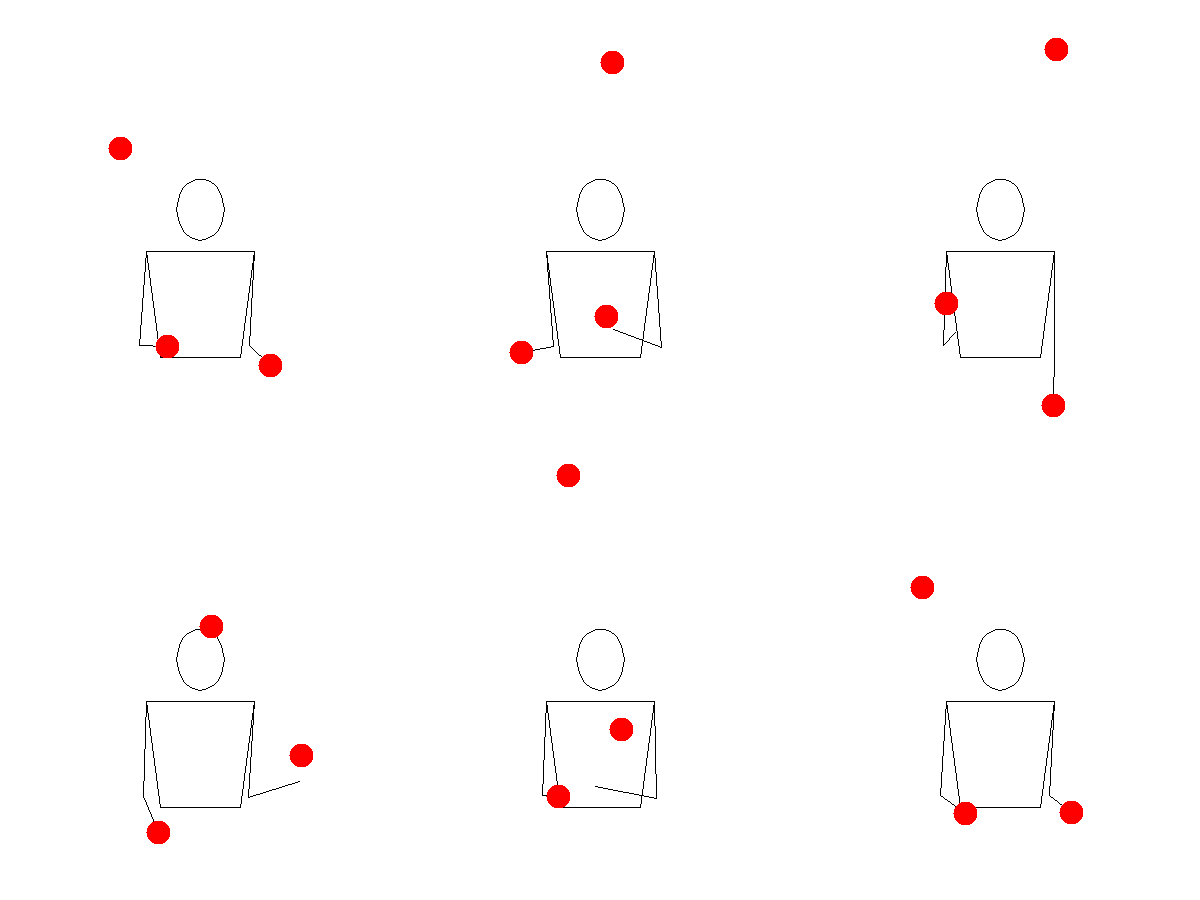
The animate() function produces an animated GIF of a
juggling pattern. It uses the Juggling Lab GIF
server to generate the animation, so requires an internet
connection. For a juggler learning a new trick, or communicating a
pattern to someone else, these animations are a particularly useful
visual aid.
The time it takes to render depends on the options you pass and
whether Juggling Lab has the pattern cached. It will typically take a
few seconds for a simple call, longer for more complex patterns. Setting
the colors argument also notably increases the time it
takes to render.
By default, animate() opens the animation in the Viewer
pane of your IDE, if that’s where you’re calling it from, or in a
browser otherwise. Setting the path argument althers this
behavior, saving the GIF to disk at the specified location instead.
Pattern
The animate() function requires a pattern
to be specified. This can either be a string representing a siteswap
sequence, or a Siteswap object (i.e. something created by
the siteswap() function or one of the subclass constructor
functions). The advantage of passing a Siteswap object over
a string is that this already captures whether the pattern is a valid
juggling sequence, and will throw an error in R if it is not, rather
than waiting for the Juggling Lab server to reject it.
These both produce the same animation:
One limitation: passingSiteswap objects using fractional
notation (e.g. "<4.5 3 3 | 3 4 3.5>") can’t be
animated because Juggling Lab doesn’t recognise that format. P-notation
passing patterns (e.g. "<3p 3 3|3p 3 3>") work
fine.
Named arguments
Juggling Lab has a large number of parameters that can be set to
control the animation. The animate() function exposes a
small subset of these as named arguments: colors,
prop, slowdown, bps,
width and height. These are all default to
NULL (in R), which means that Juggling Lab’s defaults are
used. If you want to change any of these, you can pass an appropriate
value to the argument.
Colours and props
For most variables, the value should be passed in the format
described in the Juggling Lab documentation. The colors
argument is the one exception, since R gives us more convenient and
familiar ways of specifying colours than the Juggling Lab format.
colors can be specified as color names, hex codes, or a
positive integer, as per the col argument of
grDevices::col2rgb(). Note that the way of specifying RGB
colours in Juggling Lab is not supported as
way of specifying colors in animate().
However, the special strings "mixed" (where each prop gets
a different colour) and "orbits" are supported, which are
the only two special strings recognised by Juggling Lab. If
colors is NULL (the R default), Juggling Lab
uses its default (red).
animate("531", colors = "mixed")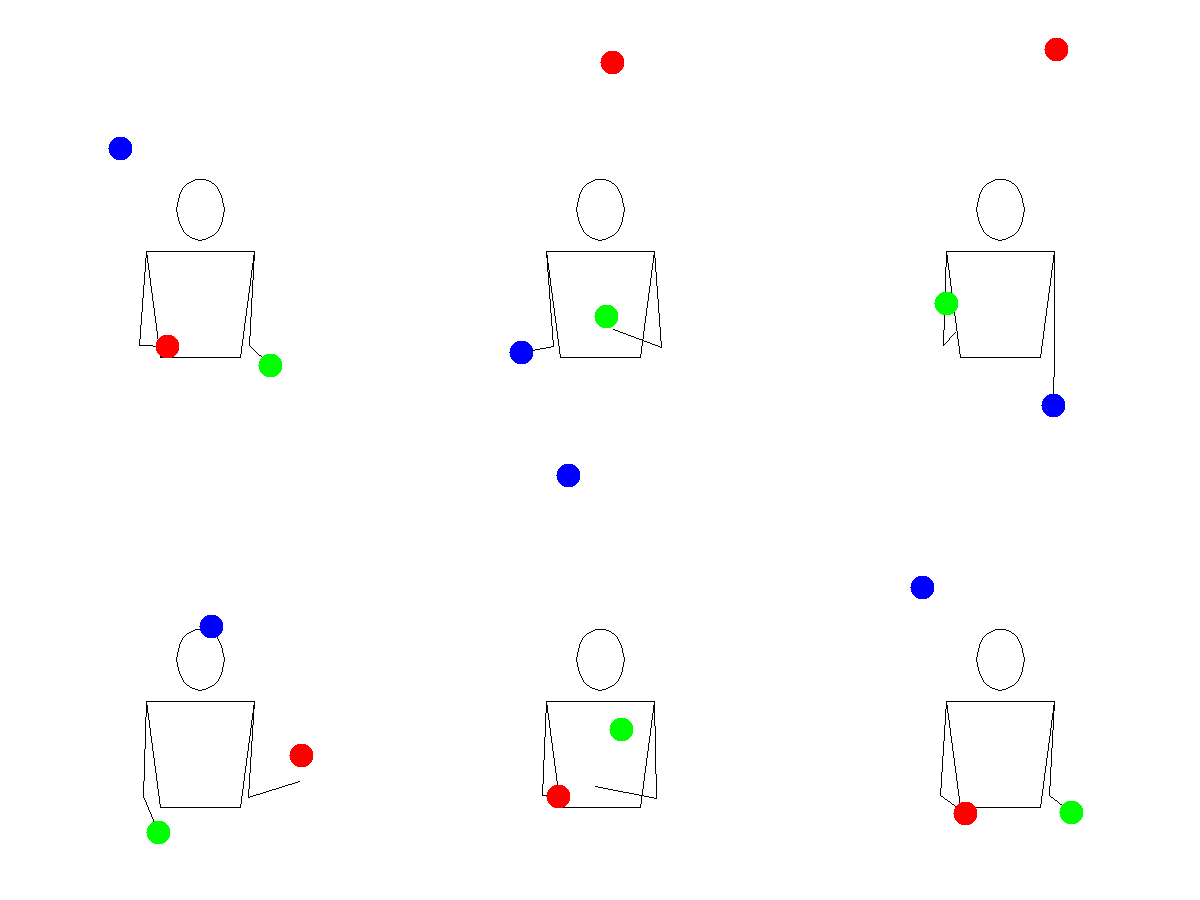
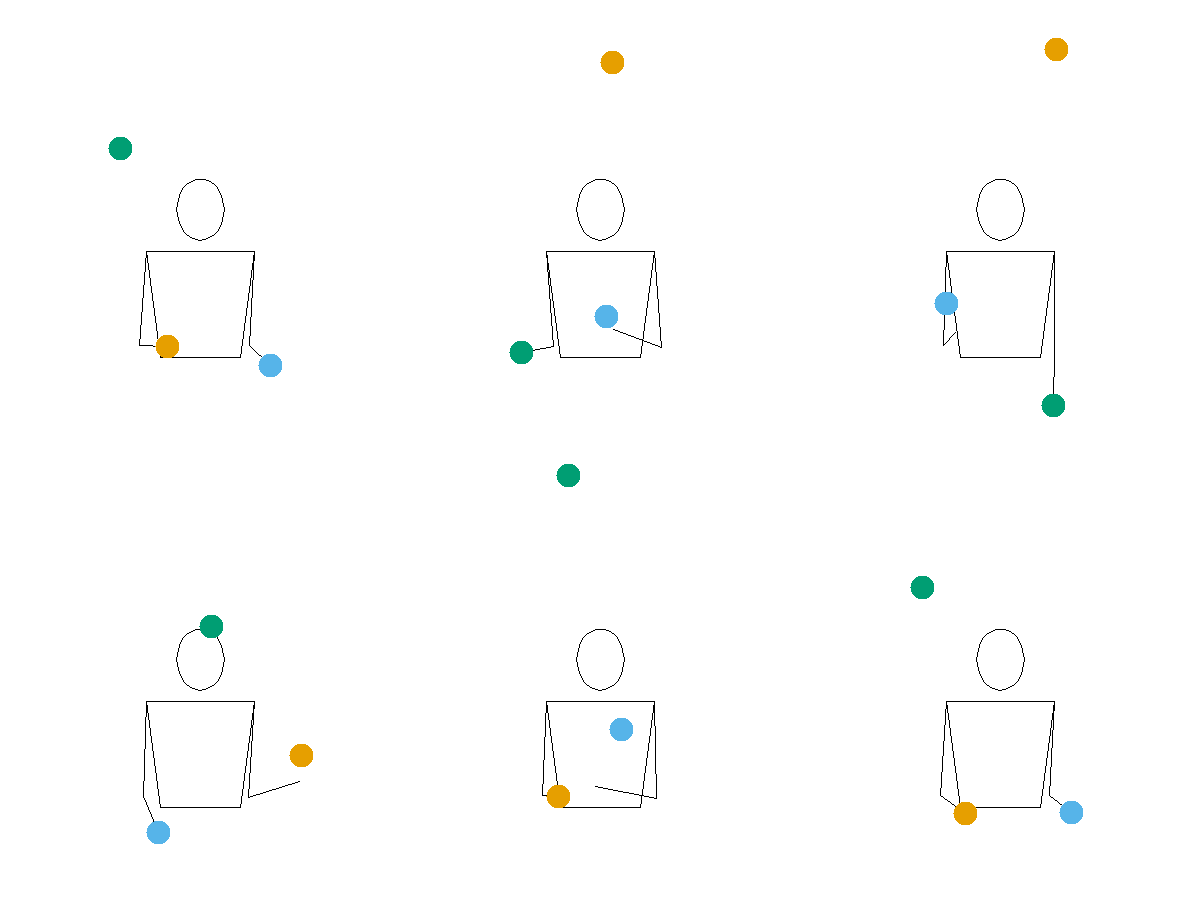
These are the same Okabe-Ito colours used by default in
timeline() and ladder().
Recognised prop arguments are "ball",
"ring", and "image". If prop is
NULL (the R default), Juggling Lab uses its default
(ball).
Speed and timing
Two parameters control the animation speed: slowdown and
bps.
slowdown stretches the throw arcs in time. The Juggling
Lab default is 2.0. Increase it to slow the animation down,
which is useful when you’re studying a new pattern:
animate("531", slowdown = 4)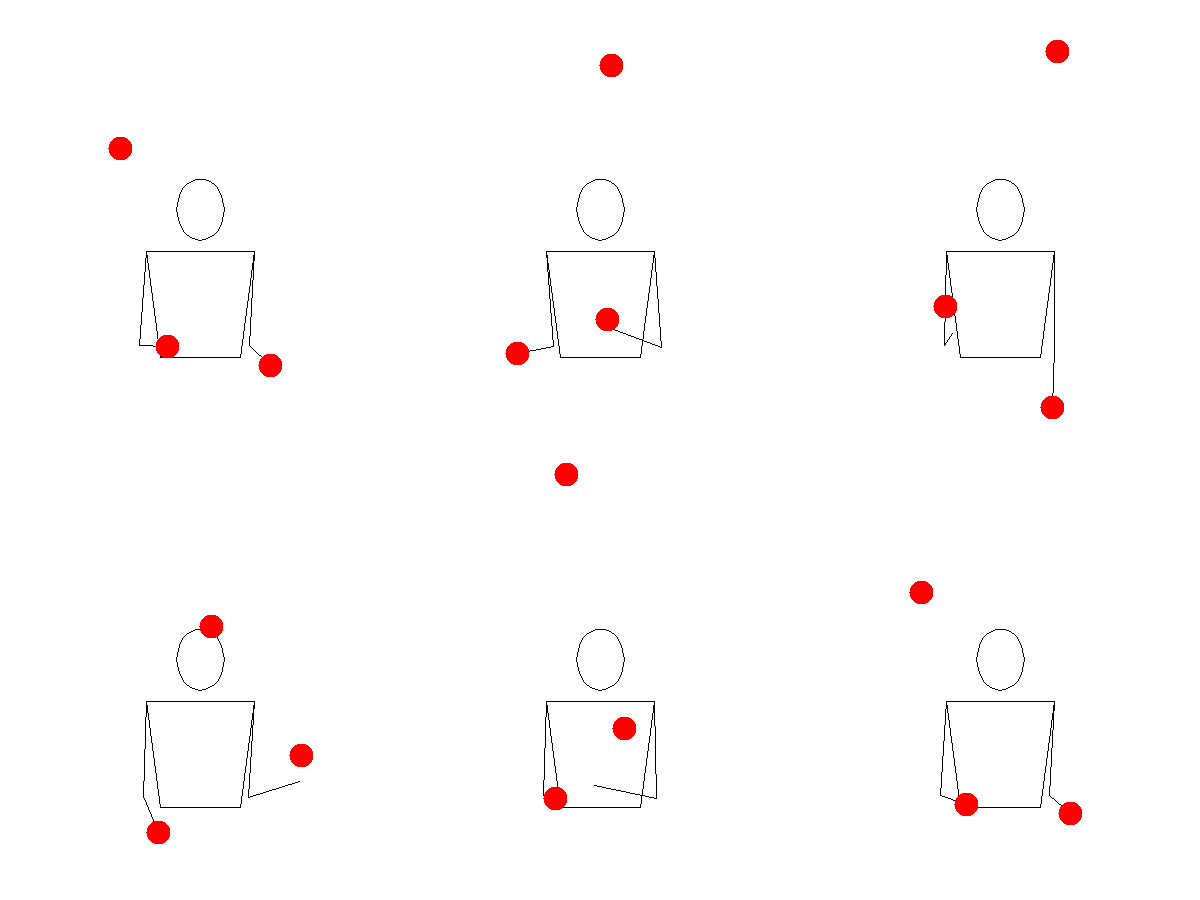
bps sets the beats per second — the tempo of the
pattern. Increase it to see the pattern at full juggling speed:
animate("531", bps = 8)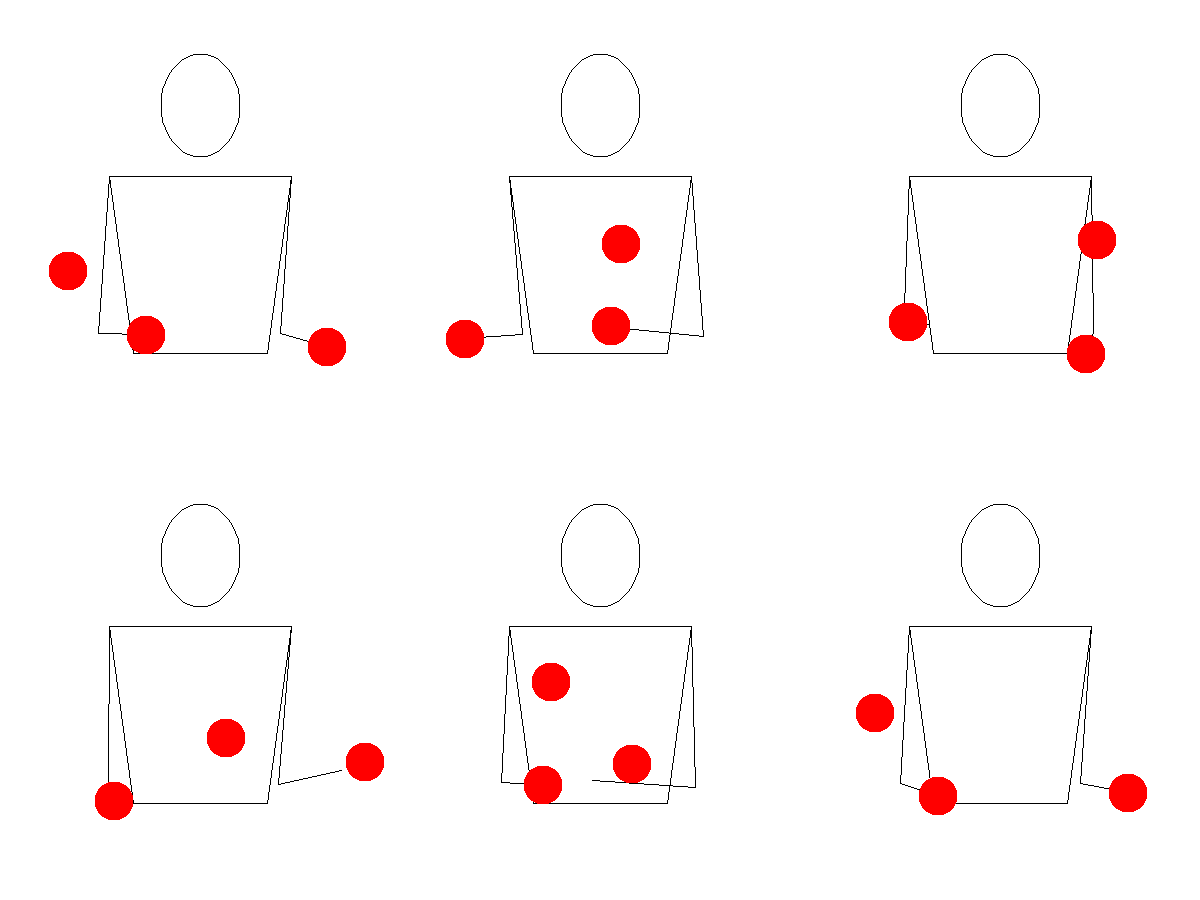
Arguments through ...
Any other variable allowed by Juggling Lab can be passed through
... as key-value pairs, e.g. propdiam = 20
will set the prop diameter to 20cm (from the default of 10cm). A full
list of variables and the values they can take is documented in the Juggling Lab GIF server
reference.
animate() will throw an error if you pass a parameter
that Juggling Lab doesn’t recognise, and will raise a warning if you
pass a parameter that Juggling Lab recognises but ignores for web link
animations.